Choose a Good Night frame
22 frames · tap one to add your photo
 Add your photo
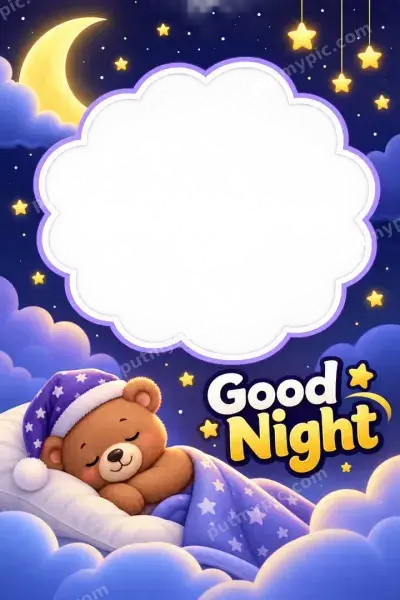 Add your photo
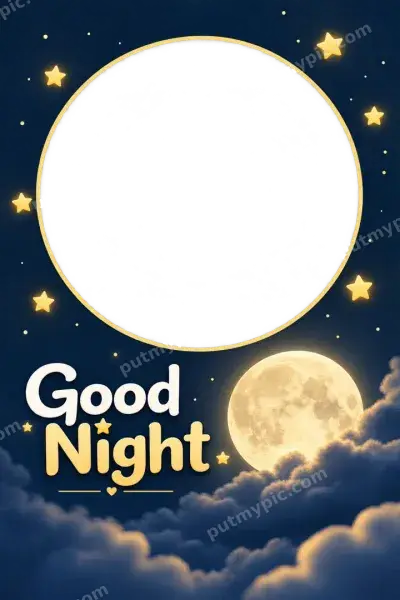 Add your photo
 Add your photo
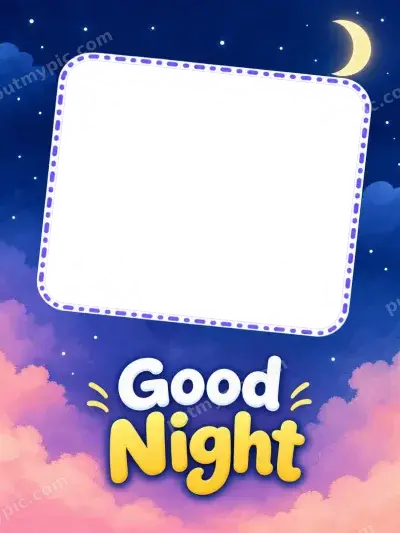 Add your photo
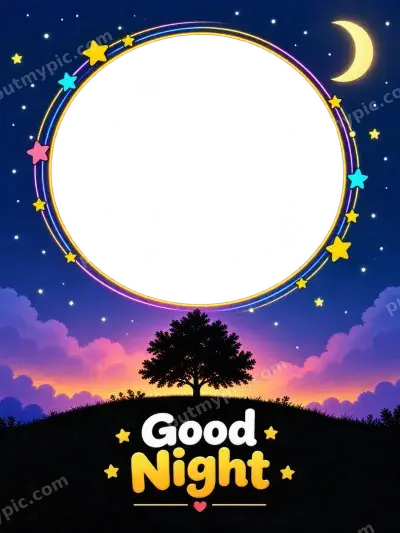 Add your photo
 Add your photo
 Add your photo
 Add your photo
 Add your photo
 Add your photo
 Add your photo
 Add your photo
 Add your photo
 Add your photo
 Add your photo
 Add your photo
 Add your photo
 Add your photo
 Add your photo
 Add your photo
 Add your photo
How to make a Good Night greeting
Choose a starry or moonlit good night frame.
Add a clear, well-lit photo – night frames are dark, so bright photos stand out.
Brighten it in the Light tab if needed and add a moon or heart sticker.
Send it before bedtime, or post it as your night status.
Photo tip: Many good night frames have dark, starry artwork, so a well-lit photo stands out best.
Frequently asked questions
Which photo looks best in a good night frame?
A clear, well-lit photo. The night-sky artwork is dark, so a bright photo stands out; use the Light tab to brighten a dim picture.
Can I send a good night frame to my partner?
Of course. Add a photo of you both, write a short message in the Text tab and add a moon or heart sticker before you share it.
Are these Good Night photo frames free?
Yes. Every frame on PutMyPic is free to use and download, with no sign-up; a small PutMyPic.com mark is added in the corner.
Is my photo uploaded to your server?
No. Your photo is processed entirely inside your browser and never leaves your device.