Choose a Birthday frame
196 frames · tap one to add your photo
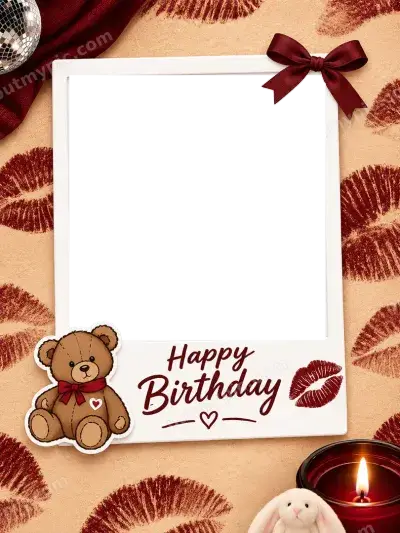 Add your photo
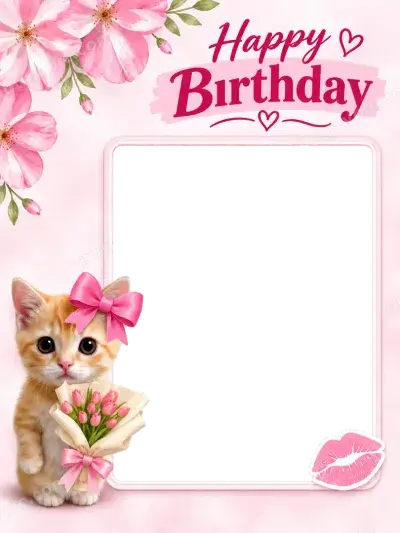 Add your photo
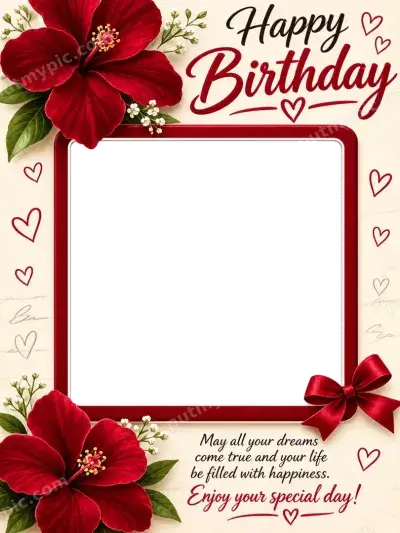 Add your photo
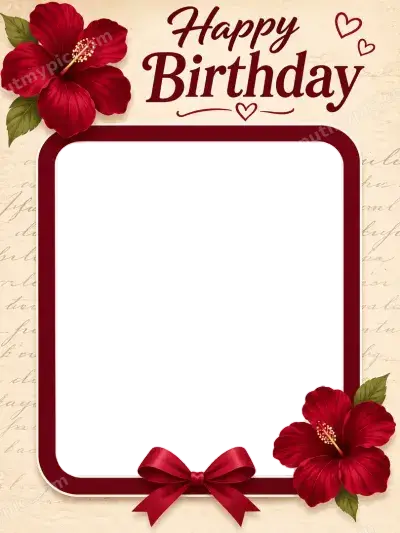 Add your photo
 Add your photo
 Add your photo
 Add your photo
 Add your photo
 Add your photo
 Add your photo
 Add your photo
 Add your photo
 Add your photo
 Add your photo
 Add your photo
 Add your photo
 Add your photo
 Add your photo
 Add your photo
 Add your photo
 Add your photo
 Add your photo
 Add your photo
 Add your photo
 Add your photo
 Add your photo
 Add your photo
 Add your photo
 Add your photo
 Add your photo
 Add your photo
 Add your photo
 Add your photo
 Add your photo
 Add your photo
 Add your photo
 Add your photo
 Add your photo
 Add your photo
 Add your photo
 Add your photo
 Add your photo
 Add your photo
 Add your photo
 Add your photo
 Add your photo
 Add your photo
 Add your photo
 Add your photo
 Add your photo
 Add your photo
 Add your photo
 Add your photo
 Add your photo
 Add your photo
 Add your photo
 Add your photo
 Add your photo
 Add your photo
 Add your photo
 Add your photo
 Add your photo
 Add your photo
 Add your photo
 Add your photo
 Add your photo
 Add your photo
 Add your photo
 Add your photo
 Add your photo
 Add your photo
 Add your photo
 Add your photo
 Add your photo
 Add your photo
 Add your photo
 Add your photo
 Add your photo
 Add your photo
 Add your photo
 Add your photo
 Add your photo
 Add your photo
 Add your photo
 Add your photo
 Add your photo
 Add your photo
 Add your photo
 Add your photo
 Add your photo
 Add your photo
 Add your photo
 Add your photo
 Add your photo
 Add your photo
 Add your photo
 Add your photo
 Add your photo
 Add your photo
 Add your photo
 Add your photo
 Add your photo
 Add your photo
 Add your photo
 Add your photo
 Add your photo
 Add your photo
 Add your photo
 Add your photo
 Add your photo
 Add your photo
 Add your photo
 Add your photo
 Add your photo
 Add your photo
 Add your photo
 Add your photo
 Add your photo
 Add your photo
 Add your photo
 Add your photo
 Add your photo
 Add your photo
 Add your photo
 Add your photo
 Add your photo
 Add your photo
 Add your photo
 Add your photo
 Add your photo
 Add your photo
 Add your photo
 Add your photo
 Add your photo
 Add your photo
 Add your photo
 Add your photo
 Add your photo
 Add your photo
 Add your photo
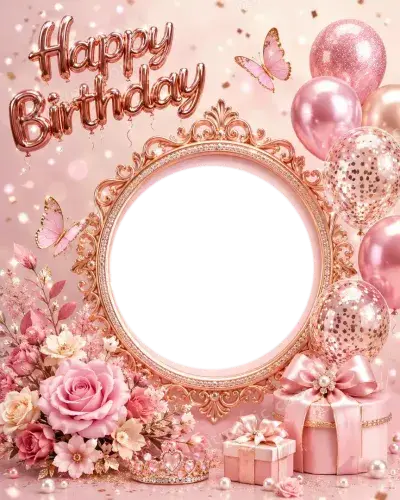 Add your photo
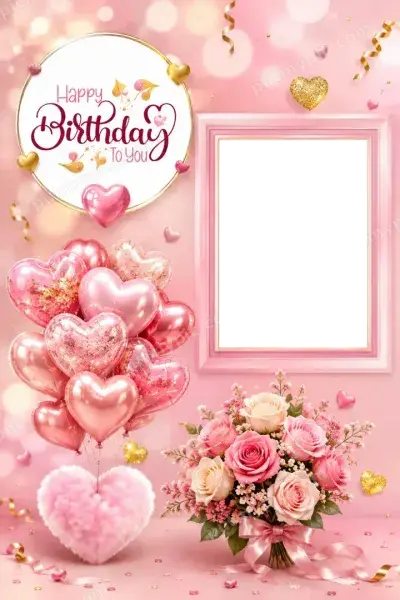 Add your photo
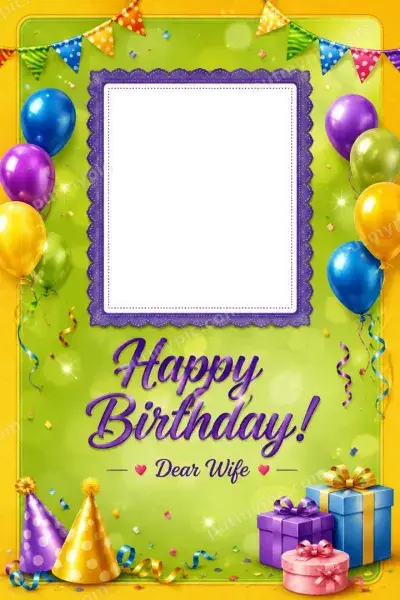 Add your photo
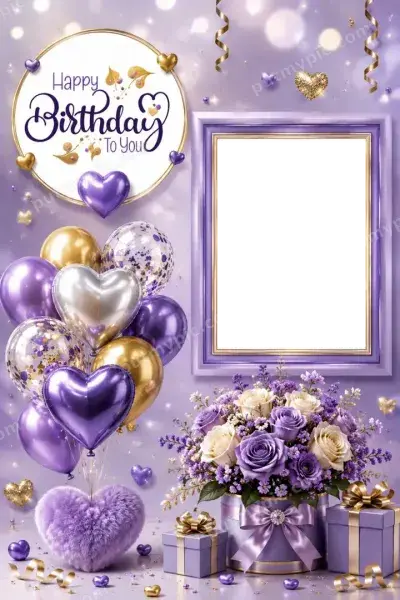 Add your photo
 Add your photo
 Add your photo
 Add your photo
 Add your photo
 Add your photo
 Add your photo
 Add your photo
 Add your photo
 Add your photo
 Add your photo
 Add your photo
 Add your photo
 Add your photo
 Add your photo
 Add your photo
 Add your photo
 Add your photo
 Add your photo
 Add your photo
 Add your photo
 Add your photo
 Add your photo
 Add your photo
 Add your photo
 Add your photo
 Add your photo
 Add your photo
 Add your photo
 Add your photo
 Add your photo
 Add your photo
 Add your photo
 Add your photo
 Add your photo
 Add your photo
 Add your photo
 Add your photo
 Add your photo
 Add your photo
 Add your photo
 Add your photo
 Add your photo
 Add your photo
 Add your photo
 Add your photo
 Add your photo
 Add your photo
 Add your photo
 Add your photo
 Add your photo
 Add your photo
 Add your photo
How to create a birthday photo card
Pick a birthday frame you like – round and heart-shaped spaces suit close-ups, square ones suit half-body photos.
Tap “Add your photo” and choose the birthday person’s picture from your gallery.
Pinch or use the zoom slider to fit their face, then add their name in the Text tab or a cake sticker.
Download the HD image, or tap Share to send it to WhatsApp before the cake is cut.
Photo tip: Use a bright, smiling photo of the birthday person. Frames with a round or heart-shaped space suit close-ups and selfies; square and rectangular spaces suit half-body photos.
Frequently asked questions
Can I add more than one photo to a birthday frame?
Yes. Collage birthday frames have two or three photo spaces – their name says how many. Add a different photo to each space, or choose “Use 1 photo” to show one picture through all of them.
Can I write the person’s name on the birthday frame?
Yes. After adding the photo, open the Text tab to add a name or a birthday wish. There are birthday text styles, fonts and colours to choose from, plus birthday stickers.
Are these Birthday photo frames free?
Yes. Every frame on PutMyPic is free to use and download, with no sign-up; a small PutMyPic.com mark is added in the corner.
Is my photo uploaded to your server?
No. Your photo is processed entirely inside your browser and never leaves your device.