Choose an Engagement frame
14 frames · tap one to add your photo
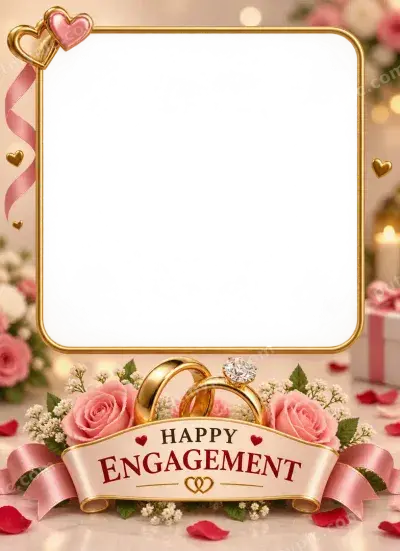
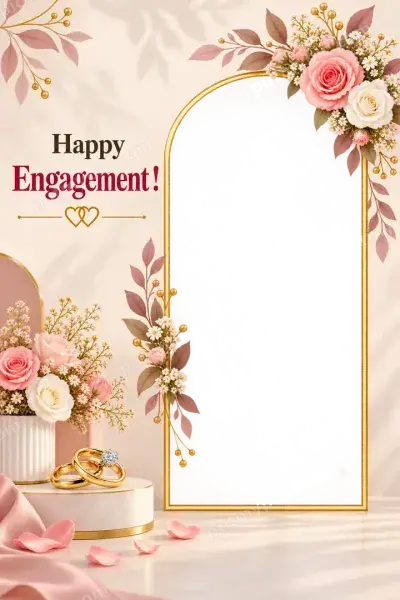
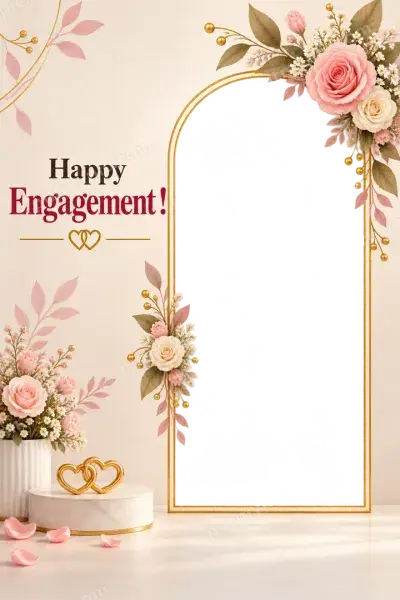
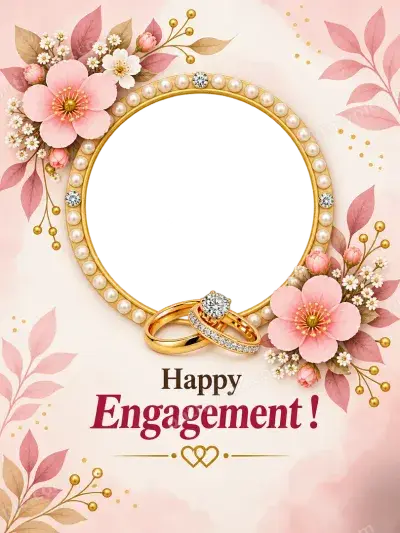
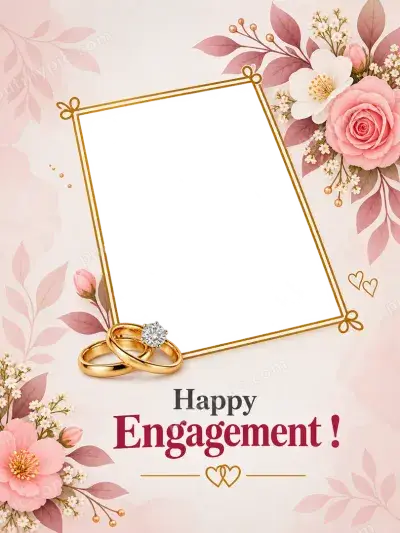
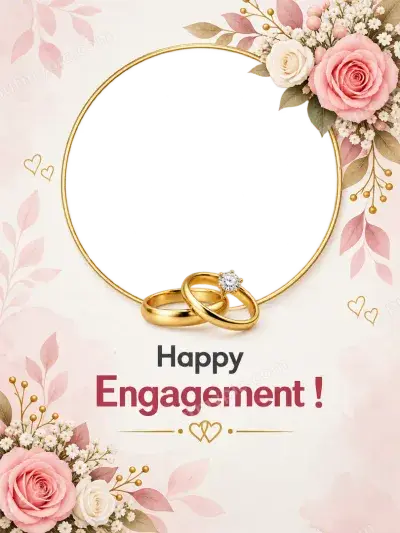
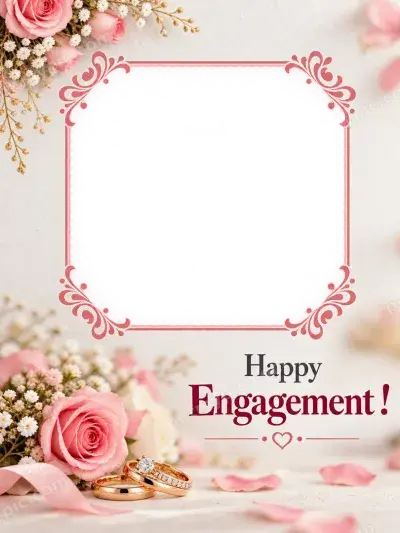
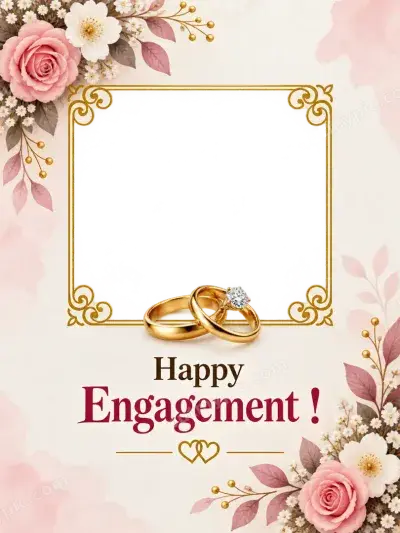
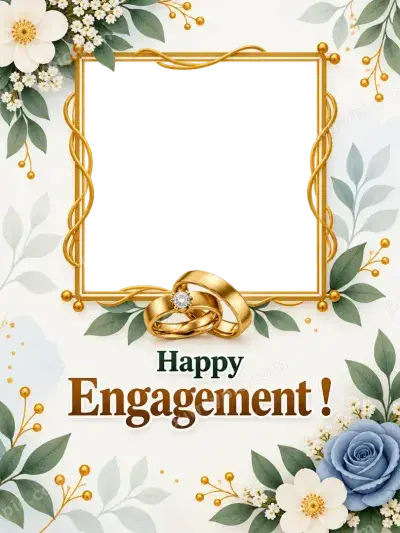
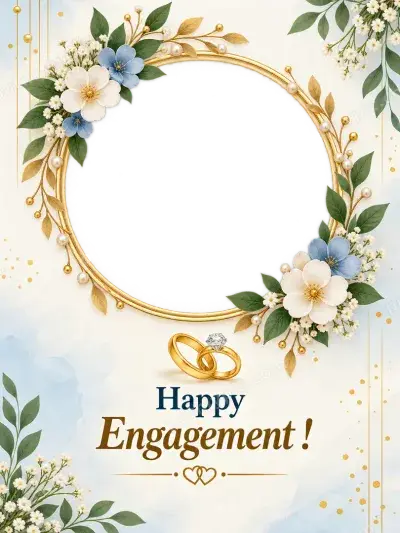
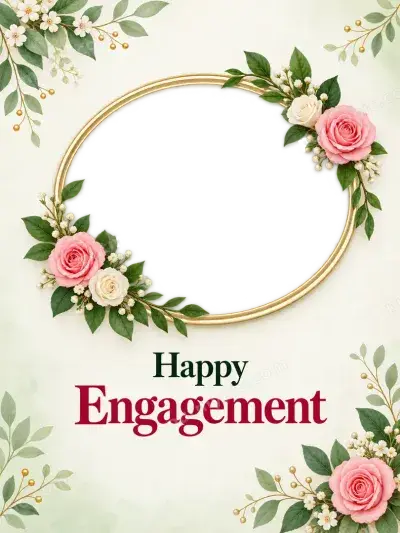
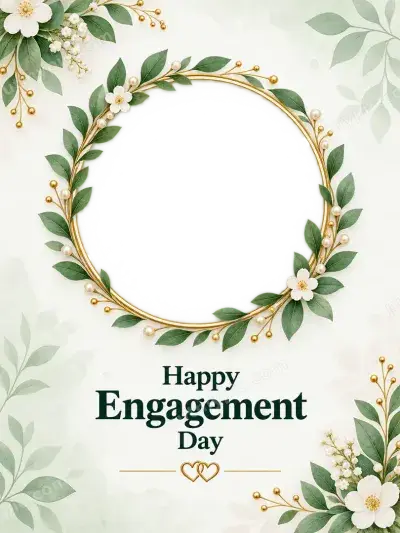
How to create an engagement photo greeting
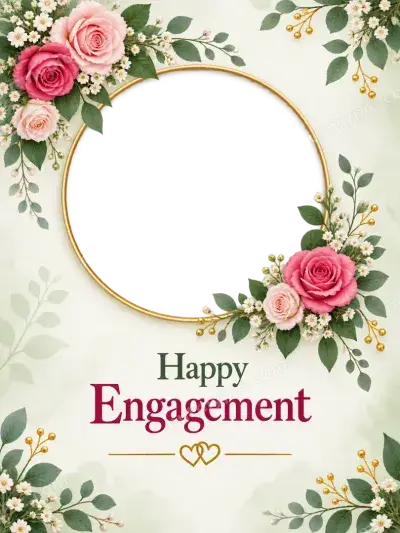
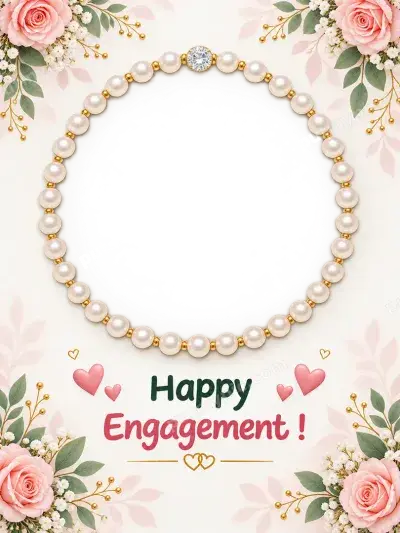
Choose an elegant engagement frame.
Add the couple’s portrait or a ring-ceremony photo.
Add both names and the date with a script font – the card doubles as an invitation.
Download it in HD and send it to friends and family.
Photo tip: A ring-ceremony or couple portrait photo works well. Keep the ring or the couple’s hands visible inside the photo space if you can.
Frequently asked questions
Can I use an engagement frame as an invitation?
Yes. Add the couple’s photo, then use the Text tab to write the names, date and venue before downloading the image.
Can I add the couple’s names?
Yes. The Text tab has elegant script fonts that suit engagement cards. Add each name, or both names with an “&” between them.
Are these Engagement photo frames free?
Yes. Every frame on PutMyPic is free to use and download, with no sign-up; a small PutMyPic.com mark is added in the corner.
Is my photo uploaded to your server?
No. Your photo is processed entirely inside your browser and never leaves your device.